

Prepare for Windows 10 End of Life: Key MSP's Upgrade and Replacement Solutions
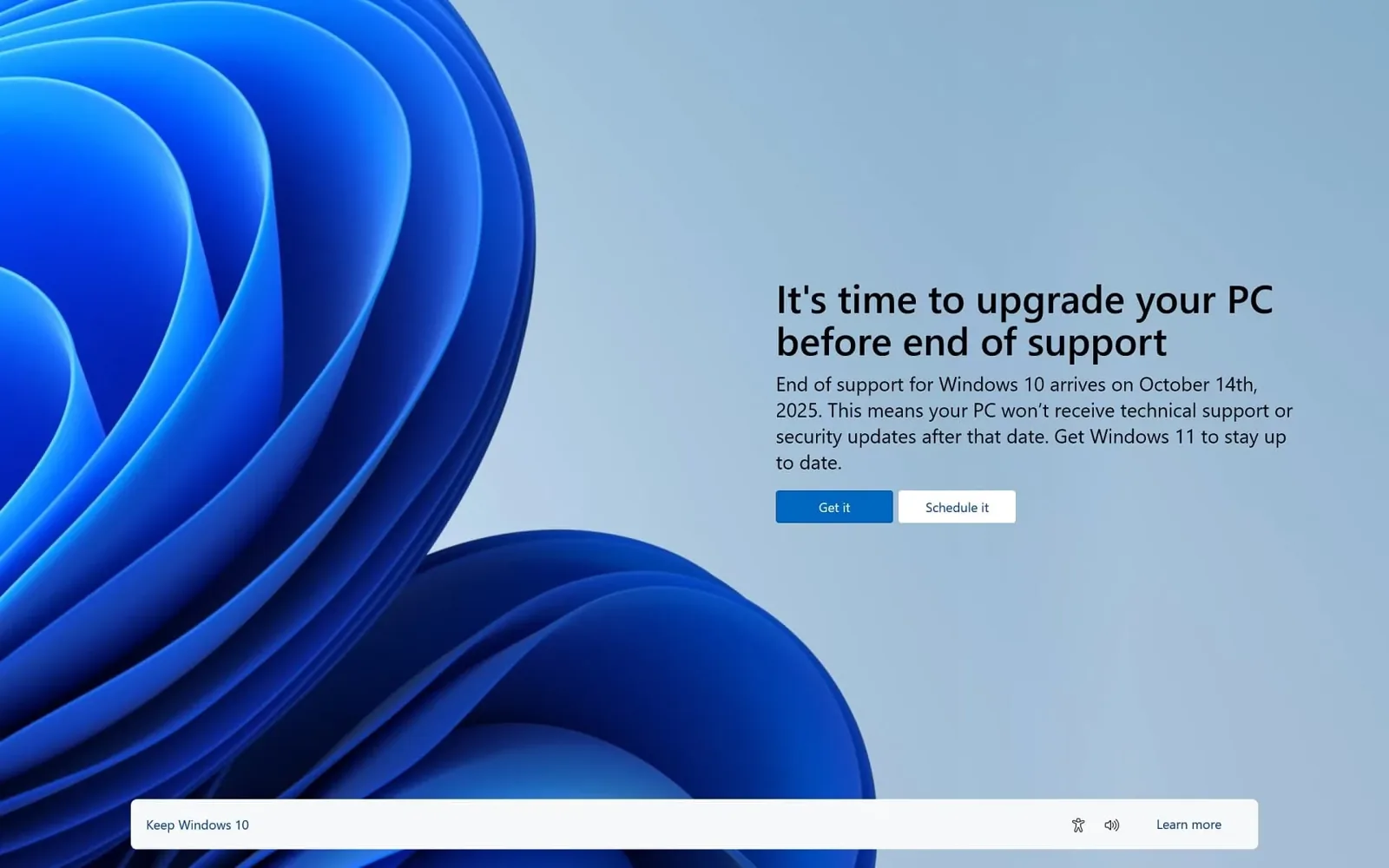
As technology continues to evolve, so must the tools businesses rely on to stay efficient and secure. Microsoft officially ended support for Windows 10 on October 14, 2025. That means no more security updates, patches, or technical support from Microsoft. Businesses still running Windows 10 face real and growing risks.
At Key MSP, we help San Diego businesses transition to newer systems with minimal disruption — ensuring you stay secure and operational.
What Windows 10 End of Life Means for Your Business
Running an unsupported operating system exposes your business to several compounding risks:
- Security vulnerabilities: Without regular updates and patches, Windows 10 systems become easier targets for cyberattacks that exploit unpatched flaws.
- Compliance issues: Many industry regulations require businesses to run supported software. Unsupported systems can put you out of compliance, resulting in fines or liability.
- Compatibility problems: Over time, newer applications and hardware may not function correctly on Windows 10, limiting your team’s productivity and options.
Note: Key MSP will no longer support Windows 10 installations without an immediate upgrade plan in place.
Key MSP’s Computer Upgrade and Replacement Solutions
As a trusted IT partner for San Diego businesses, Key MSP offers comprehensive solutions to manage this transition smoothly.
System Assessment and Planning
Our team conducts a thorough assessment of your current IT environment, identifying which systems need upgrading or replacing. We develop a tailored plan aligned with your operational needs and budget.
Efficient Upgrade and Installation
Key MSP manages the entire upgrade process — from procuring new hardware and software to installation and configuration. Our goal is to minimize downtime and disruption so your business keeps running.
Data Migration and Backup
Transitioning to a new operating system means moving critical data securely. We ensure everything is backed up and transferred without loss, maintaining the integrity and accessibility of your information.
Post-Upgrade Support and Training
Once your systems are upgraded, Key MSP provides comprehensive support and training. Our team addresses any issues and ensures your staff is comfortable with the new setup.
Your Options After Windows 10
The primary path forward is Windows 11, which offers enhanced features, improved security, and long-term support from Microsoft. We assess all your existing software for compatibility during the planning phase to ensure a seamless transition.
If your hardware is too old to support Windows 11, we have new Windows 11 desktops and laptops available for immediate purchase. We also offer secure disposal of old hardware in compliance with environmental regulations and data security standards.
Why Choose Key MSP for Your System Upgrades?
- Expertise in transition planning: Extensive experience in IT infrastructure management means a seamless, efficient process.
- Customized solutions: We design solutions to fit your specific requirements and budget.
- Commitment to security: We prioritize securing your systems from day one post-upgrade.
- Local support: As a San Diego-based company, we’re accessible, responsive, and on-site when you need us.
Frequently Asked Questions
What are my options if some software isn’t compatible with Windows 11? We assess all software for compatibility during the planning phase and address any issues before migration begins.
Can Key MSP assist with disposal of old hardware? Yes — we offer secure disposal services that meet environmental regulations and data security standards.
How quickly can Key MSP upgrade our systems? Our team works efficiently to minimize downtime. Timeline depends on the number of machines and complexity of your environment; we’ll give you a clear estimate upfront.
Don’t wait to begin planning your upgrade. Contact Key MSP today for a free consultation.
Schedule a Free Consultation | (888) 619-0741 | [email protected]
Related articles

How Much Does Managed IT Cost in San Diego? (2026 Guide)
Clear 2026 guide to managed IT cost in San Diego—pricing models, what drives the bill, hidden fees, and how to compare MSP quotes for small business.
Read article
Putting Claude Cowork to Work: 6 Real Ways Small Businesses Save Hours a Week
You've heard of Claude Cowork — but what does it actually do day-to-day? Six practical small-business use cases, plus how to roll it out securely on Microsoft 365.
Read article
Business Security Without the Monthly Camera Fees: A San Diego Guide to UniFi Protect + Access
Cloud camera subscriptions add up fast and never stop. Here's how San Diego businesses build a modern, connected security system — cameras, door access, and sensors — on UniFi with no per-camera monthly fees.
Read article